Record tab audio and
your mic — nothing is lost
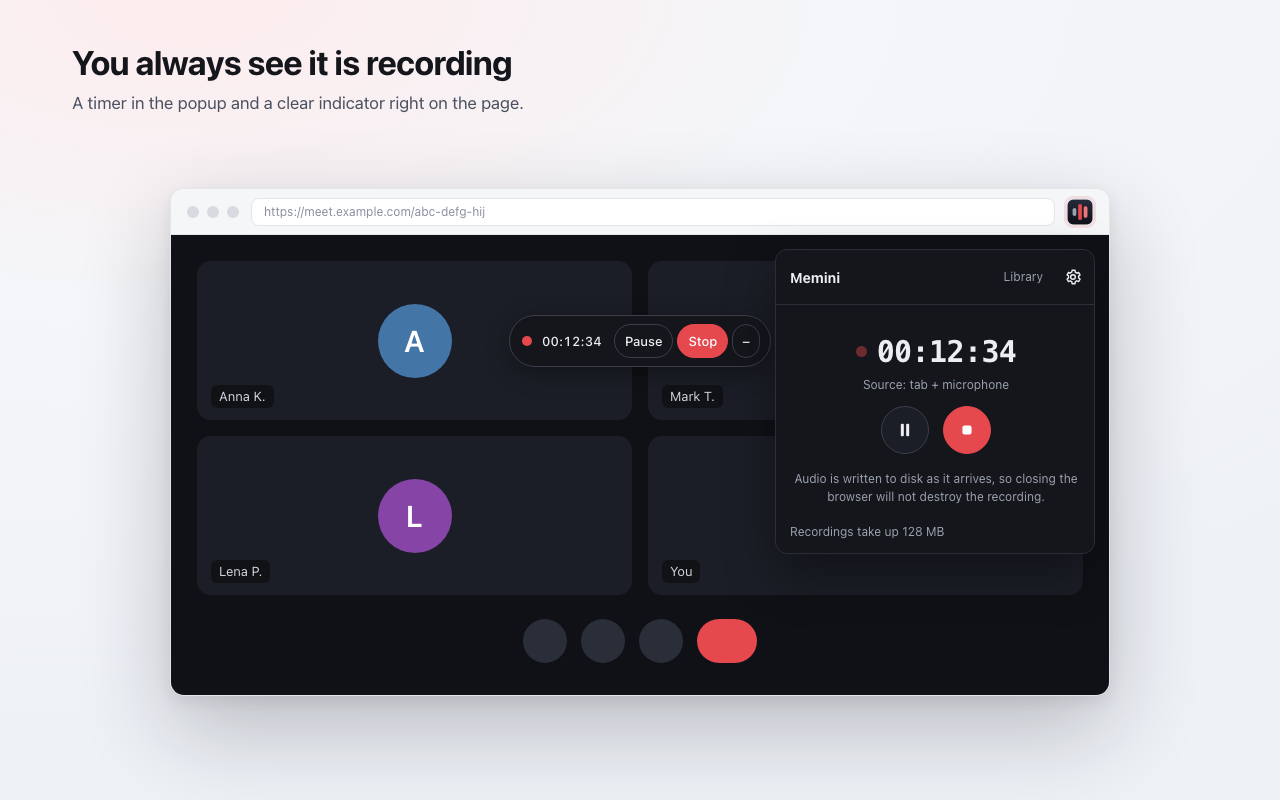
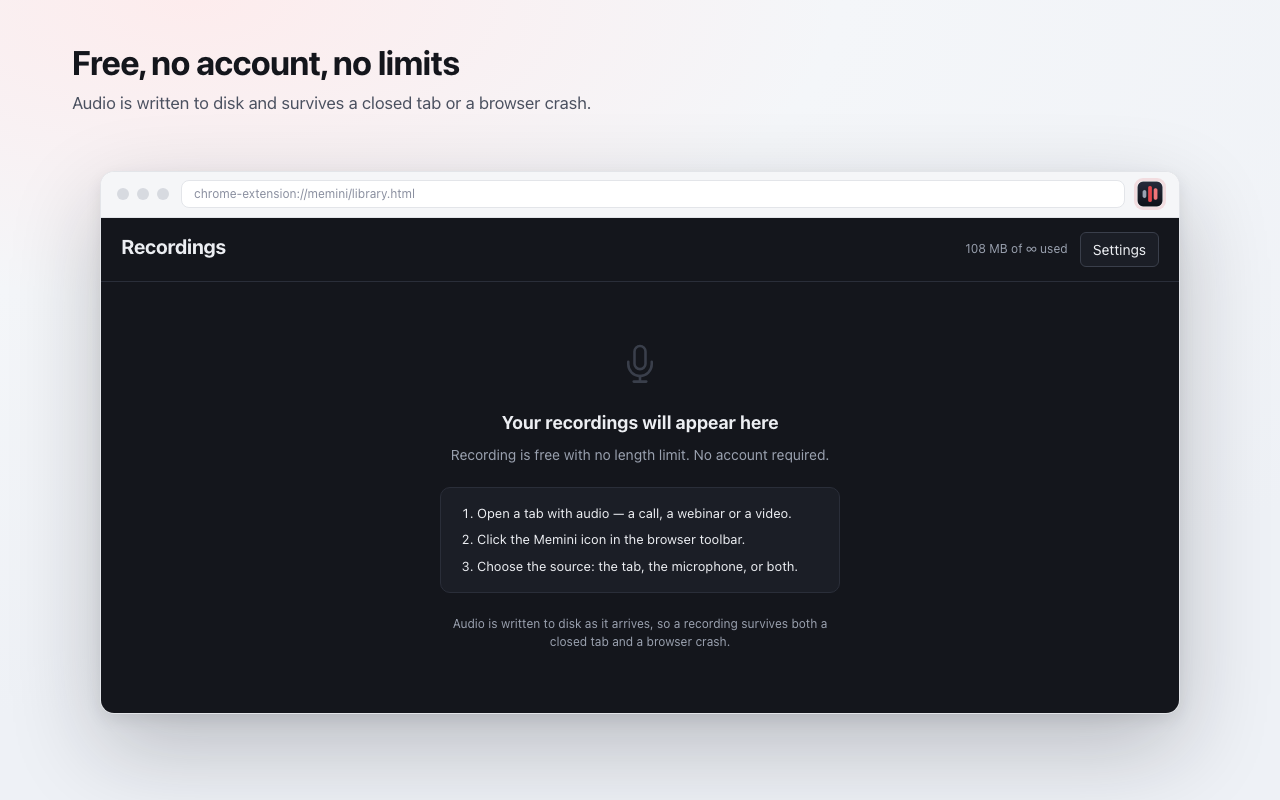
Calls, webinars, lectures, voice notes. Audio is written to disk as it arrives, so a closed tab or a crashed browser will not destroy the recording.
Coming to the Chrome Web Store · requires Chrome 116+
Five screens — that is the whole extension
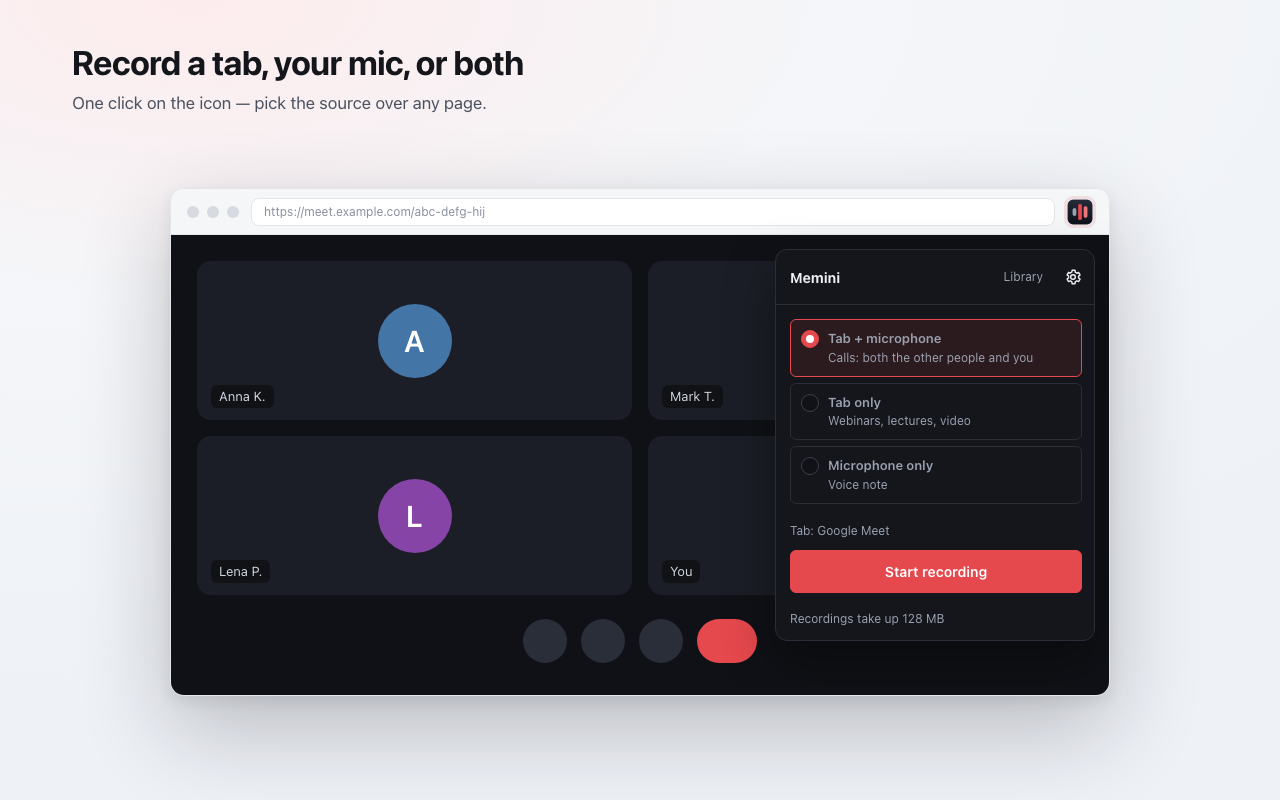
One click on the icon — pick the source over any page. The two-source mix is computed locally.
Three steps from the icon to a finished file
A call, a webinar, a lecture or a video — any page that makes a sound.
The extension gets access only to the tab you picked for recording — nothing broader.
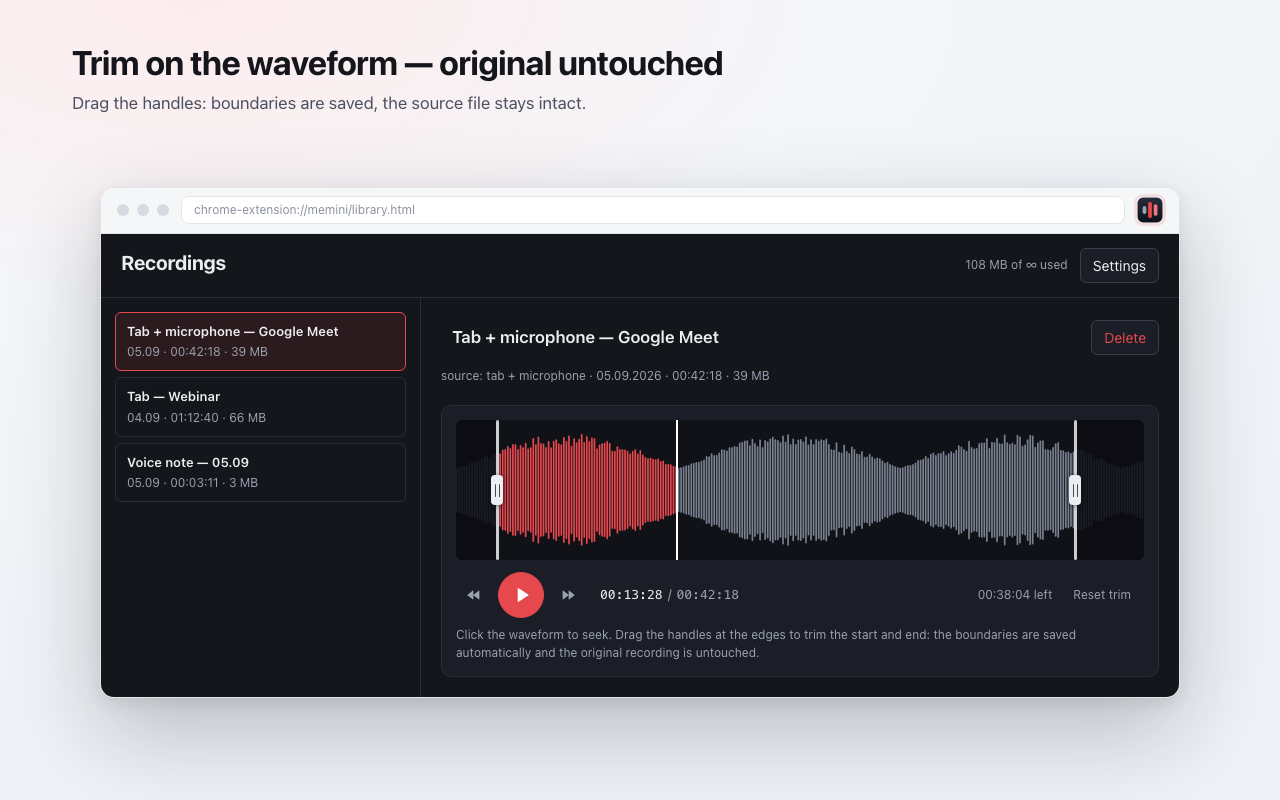
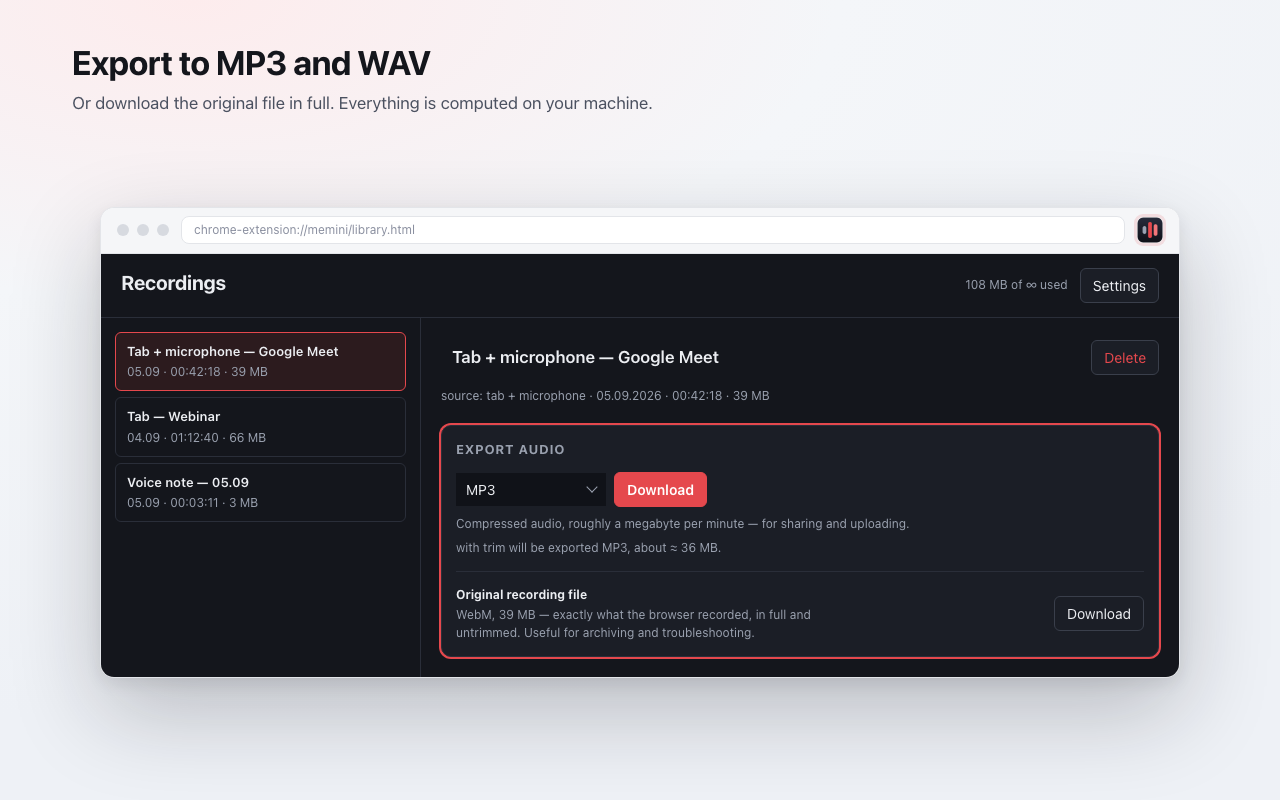
The tab, the microphone, or both. Then the timer, trimming, and export to MP3 or WAV.
Google Meet, Zoom in the browser, other web conferencing: them and you.
Three-hour recordings do not run into the storage quota.
Microphone only, one click, no extra windows or setup.
The extension makes no network requests
Memini has access to no domain at all — you can see that in the permission list. Recordings live in the browser's local storage and leave your computer only when you export a file yourself.
Read the privacy policyTranscription comes second
Reliable recording first. Then speech-to-text with timecodes and word search. It is not in the MVP — we would rather ship it than promise it.
Frequently asked
Install the extension and press one button
Free, no account, and no limit on recording length.
Install for ChromeComing to the Chrome Web Store · requires Chrome 116+